
Searching Cases by Name
Open Indiana MyCase and choose the Name tab. For an individual, Last is the key field; First, Middle, and Birth Date can narrow a common-name result. A birth date helps match records but is not displayed in public case details. Business searches use a separate Business field and ordinarily require the exact name unless a trailing wildcard is added.
- Open MyCase and select the Name tab.
- Enter the last name, then add first name, middle name, or birth date only as needed.
- Expand Advanced Search Options and select Wabash County or Wabash County - Wabash City Court.
- Limit the status to All, Open, or Closed and add a filing-date range if the result set is broad.
- Open the matching Case Summary and verify the court, case type, filed date, and parties before relying on it.
| Field Label | Type | Required | Notes |
|---|---|---|---|
| Last | Text, 40 characters | Yes for a person | Allows a trailing wildcard; sounds-like cannot be combined with a wildcard. |
| First / Middle | Text, 40 characters | No | Use to narrow results after supplying a last name. |
| Birth Date | Date | No | Narrows matches but does not appear in public case details. |
| Business | Text, 800 characters | Alternative | Exact match unless a trailing wildcard is used. |
| Court / Status | Dropdown / radio | No | Select a Wabash court and All, Open, or Closed. |
| File Date From / To | Date, mm/dd/yyyy | No | Limits the initial filing date, not the hearing date. |
Three MyCase Search Paths
MyCase presents Case, Name, and Attorney tabs rather than one all-purpose box. The Case tab accepts exactly one Case Number, Citation Number, or Cross Reference. The Attorney tab accepts a bar number or an attorney name. Choosing the right route avoids noisy results and makes the county filter more useful.
Case: Best when a notice, pleading, or receipt supplies a court identifier.
Name: Best for locating a party when the case number is unknown.
Attorney: Best for finding public matters associated with counsel by name or bar number.
The official MyCase search tips explain wildcard, sounds-like, and case-number behavior. A captcha may appear to prevent automated data mining, and a result set is capped at 1,000 matches. Narrow the fields instead of repeatedly submitting an overly broad query.
The state search-tips screen is the best reference for those input rules.
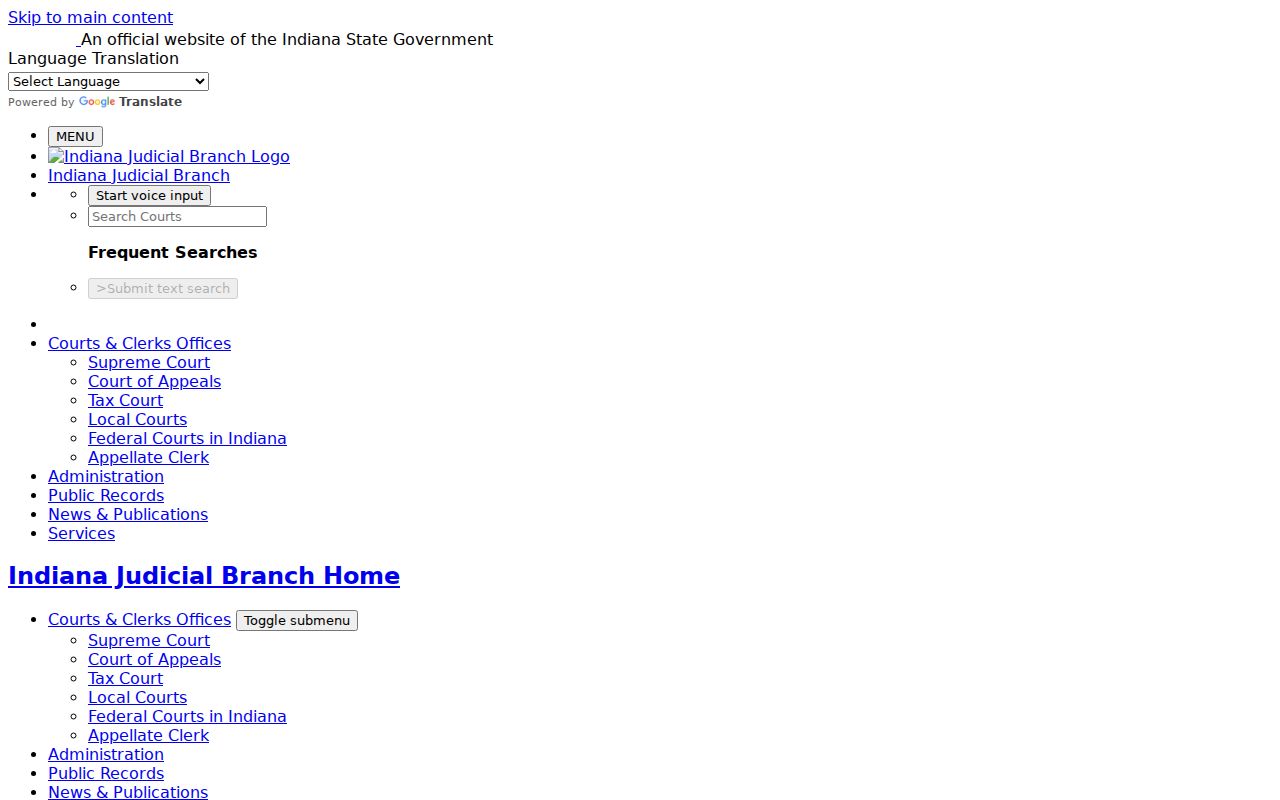
Its limits explain why small changes to spelling, wildcard use, and court selection can materially improve a Wabash search.
Searching by Case Number
Enter a complete Indiana case number in the Case tab when it is available. MyCase permits omitted hyphens and leading zeros, and its search checks case-number history when a transfer has changed the number. Wabash court identifiers are the strongest routing clue: 85C01 is Circuit Court, 85D01 is Superior Court, and 85H01 is Wabash City Court. The abolished County Court 85E01 and North Manchester Town Court 85I01 can still appear as historical identifiers, not current filing destinations.
Use only one identifier field at a time. A citation number or agency cross-reference may locate a matter that is difficult to find by party name. If an exact number returns nothing, check transcription, remove punctuation, confirm the court code, and search the party name before concluding that no record exists.
Choosing the Wabash Court Filter
The statewide court menu contains every participating Odyssey court. Choose Wabash County for Circuit and Superior matters. Choose Wabash County - Wabash City Court for the city court's civil and ordinance docket. Wabash County's two county courts entered Odyssey on September 24, 2018; City Court followed on February 27, 2023. Those dates explain why a newer matter is more likely to have a complete online trail than an older file.
Quick routing check: A notice beginning 85C01, 85D01, or 85H01 identifies the Wabash court more reliably than the party's home address.
The official Odyssey courts list documents Wabash's current and historical identifiers.
This list helps distinguish an abolished court code from a currently operating Wabash filing destination.
What a Case Search Returns
A public result opens to a Case Summary, not necessarily the complete official court file. The header gives the court, type, filed date, status, caption, and any public flags. Additional blocks can show parties and roles, charges, bonds, cross-references, financial information, and the date-ordered Chronological Case Summary. A document icon means that item is available to that audience; its absence does not prove the filing itself is absent.
| Case Number | Includes the Wabash court identifier, case-type code, filing year, and sequence. |
|---|---|
| Style / Parties | The public caption and party roles, subject to access restrictions. |
| Case Type | Criminal, civil, family, probate, small claim, infraction, or another assigned category. |
| Filed / Status | Initial filing date and a current public status such as open or closed. |
| CCS | Dated events, settings, filings, orders, and disposition entries available to the public audience. |
| Financial Information | Displayed transactions or balances that may omit later charges or interest; the Clerk supplies the official balance. |
Reading the Wabash Case Summary
The official MyCase search interface shows the fields used to reach Wabash results.
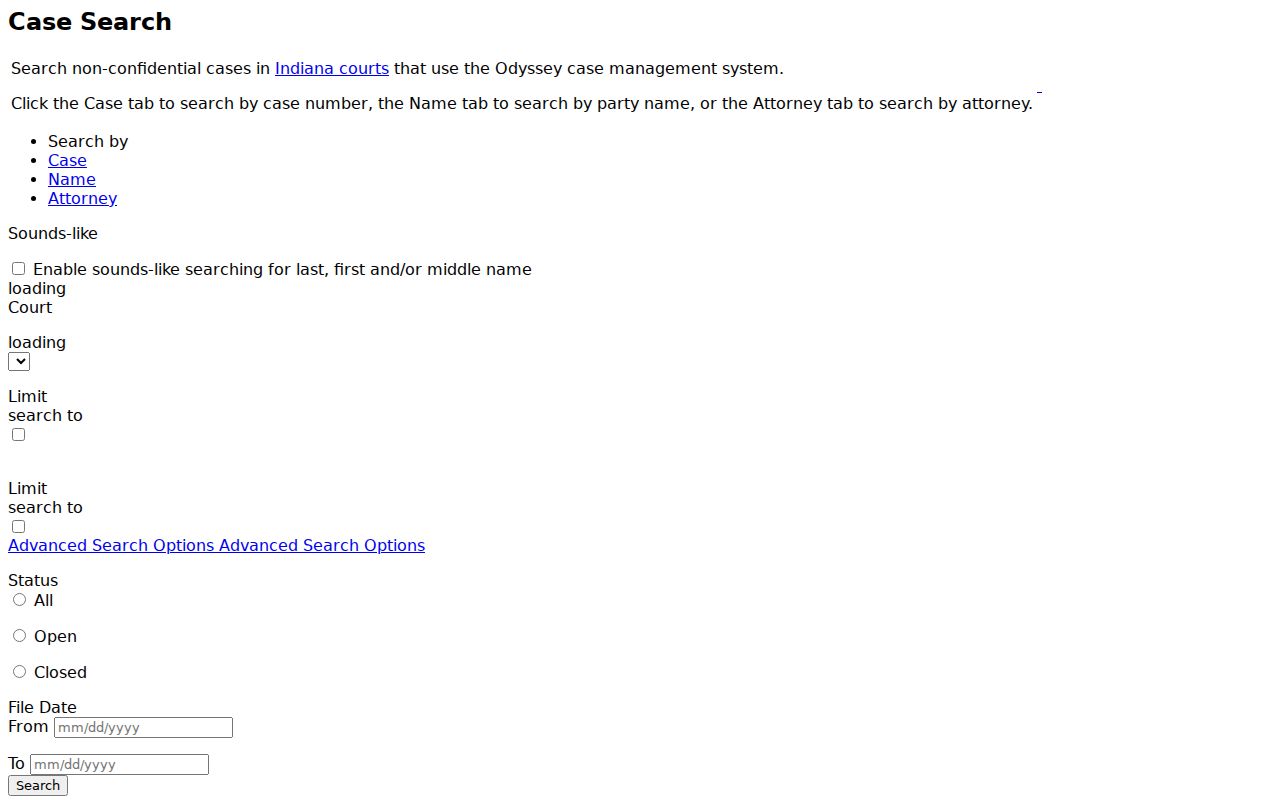
After opening a result, read the CCS chronologically and distinguish an event date from the next hearing date. A filing entry records that something was submitted; it does not by itself state that the judge granted it. Confirm future settings in the separate Court Calendar.
The MyCase document-access matrix explains why visibility varies by case type and user role.
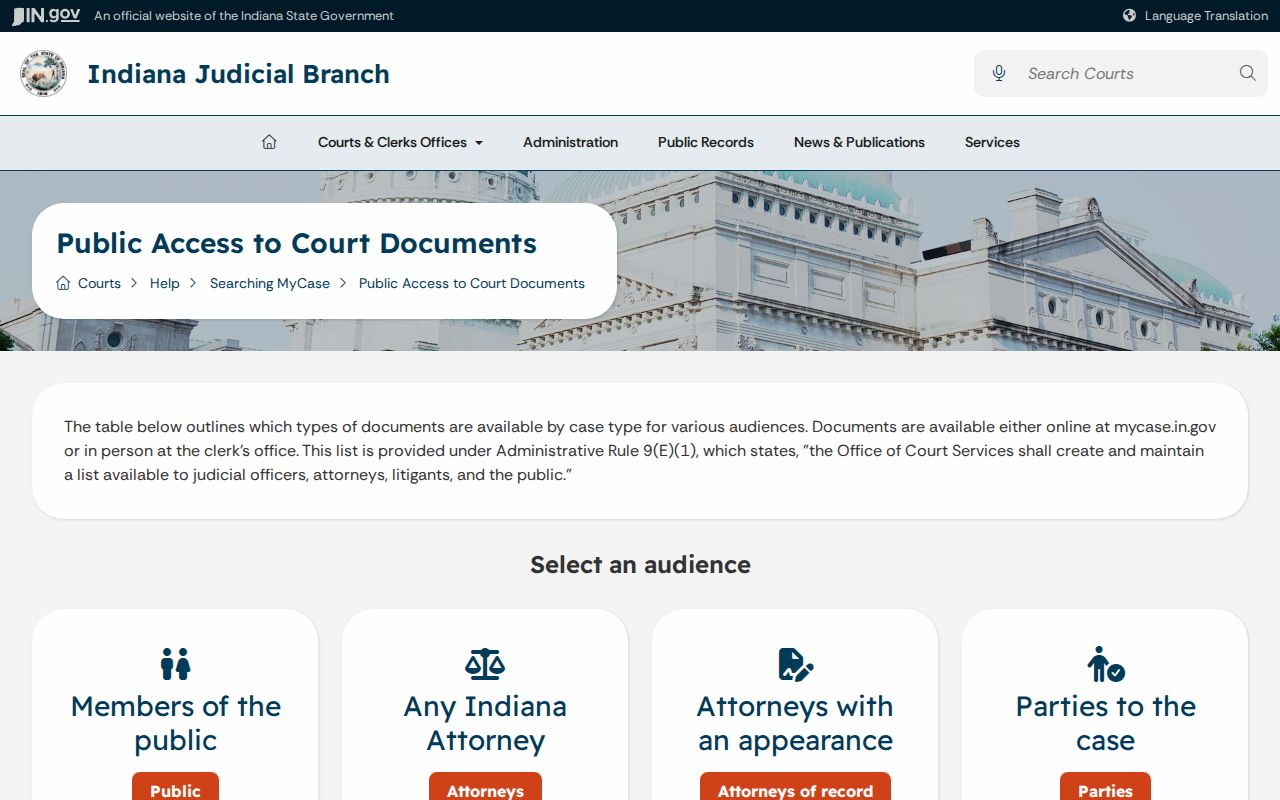
For Wabash readers, that matrix is a reminder that a missing download icon is an access condition, not a conclusion about the official file.
Statewide vs County Case Search
Wabash does not maintain a separate county case-search database. Indiana MyCase is the statewide public search layer for participating Odyssey courts, including Wabash Circuit, Superior, and City Court. The county Clerk is the local official-record layer. Use MyCase to identify a case and read public entries; use the Clerk for a certified document, the current official balance, an unavailable image, or an older converted or paper file.
| Indiana MyCase | Wabash Clerk Route |
|---|---|
| Public, non-confidential Odyssey cases statewide | Official Circuit and Superior files held locally |
| Case Summary, CCS, selected images, and public financial data | Inspection, plain copies, certified copies, and official balances |
| Best for identifying and tracking a public case | Best when an online entry or image is missing or certification is required |
Older Wabash Records Beyond MyCase
An empty online result can reflect conversion limits rather than the absence of a case. Older Wabash material may remain on paper or microfilm, and a courthouse fire in 1870 destroyed many early records while some Clerk and other county-office holdings survived. Contact the Clerk at 260-563-0661 or visit the first-floor records counter at 69 W Hill Street during the published 8:00 a.m. to 4:00 p.m. weekday hours.
The county local rules also name Wabash Carnegie Library and North Manchester Public Library as electronic research facilities, subject to library rules and fees. For written historical research, email wabashcourtrecords@wabashcounty.in.gov with full names, relevant name changes, approximate years, record type, and contact information. The research deputy works only two or three days per week, so call before traveling.
Access and Restricted Cases
MyCase searches non-confidential cases. Sealed and expunged matters, juvenile and mental-health records, and protected information may be withheld or available only to an authorized audience. Protection-order information uses a dedicated official route because protected names and identifiers generally do not appear in an ordinary public MyCase search. The absence of a name is therefore not proof that no proceeding exists.
Indiana's Rules on Access to Court Records distinguish information presumed public under Rule 4, information excluded under Rule 5, and the Rule 9 process for seeking extraordinary access. A party access code is not a public-search shortcut: it lasts 21 days before connection, connected access lasts 180 days and renews with use, and the account route is designed for a party's own case. Direct a specific request to the court holding the record and identify the case number and document sought.
Administrative Rule 8 supplies the state framework behind Indiana court and case identifiers.
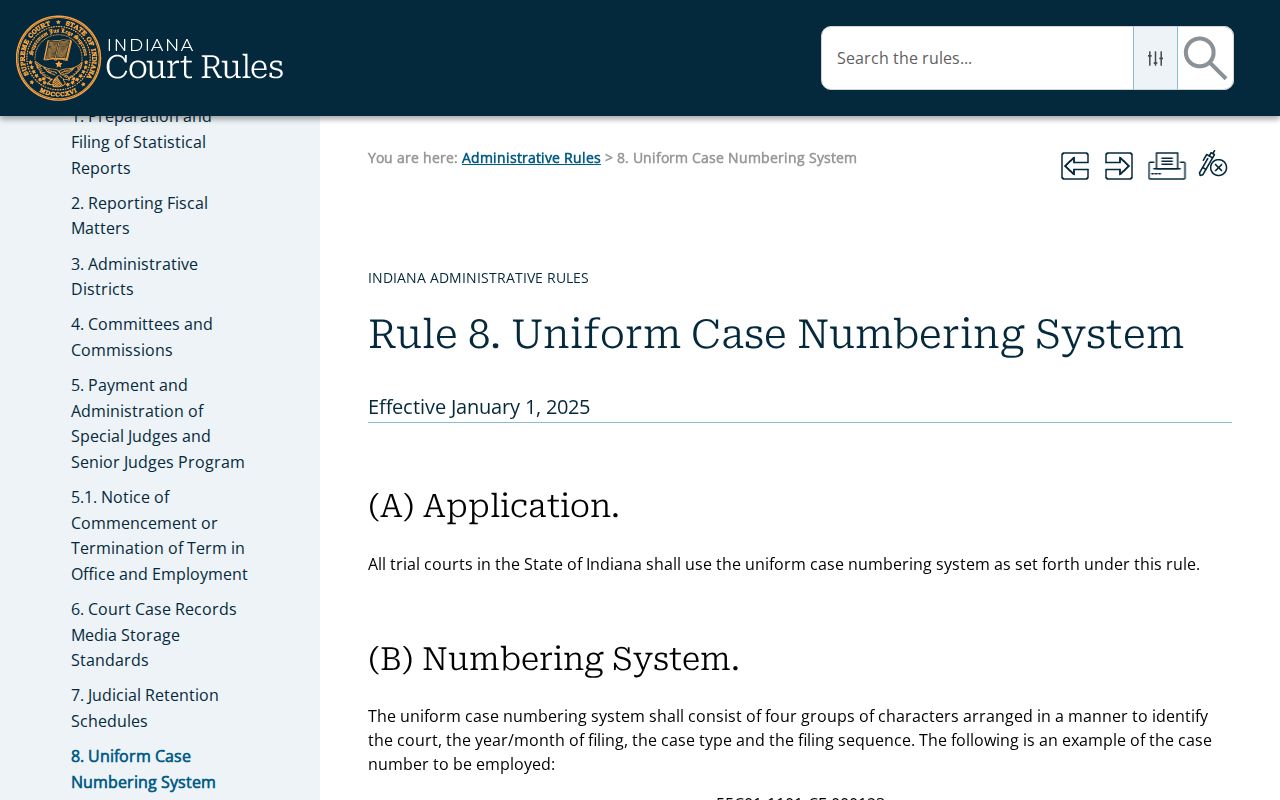
Those identifiers support accurate routing, but they never override a confidentiality restriction or make a non-public record searchable.
The Wabash Search Fallback Chain
Use the Court Calendar when the immediate question is a hearing date, the Clerk for the official county case file, and the City Court office for 85H01 material. Public protection-order information has its own state route. If a document is missing, describe the exact CCS event rather than asking staff for an undefined complete history. This sequence separates a portal problem from a confidentiality rule, an old-file limitation, or a request sent to the wrong custodian.